How to access your email with Webmail
Webmail lets you read and send email from any browser with nothing to install. BPHOST webmail is Roundcube, and there are three ways to open it.
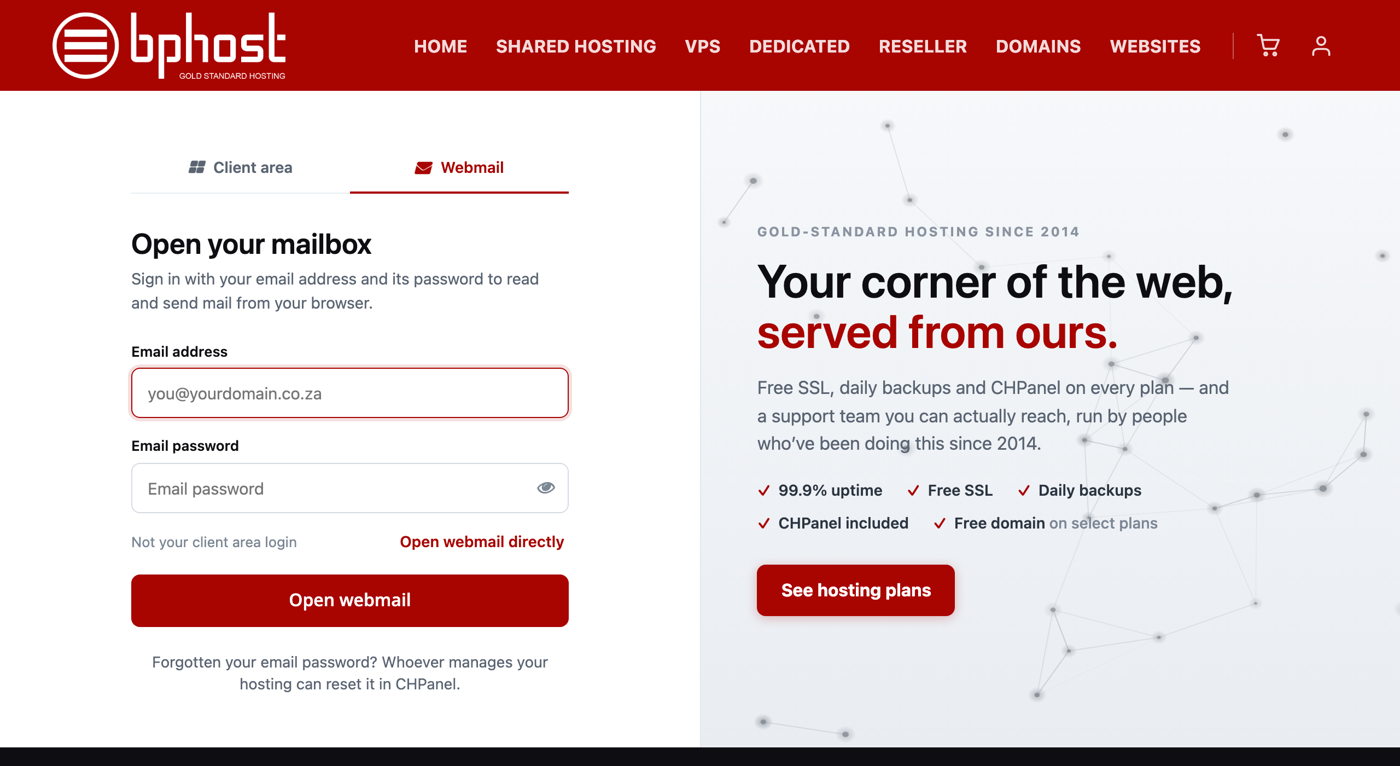
1. From the client-area login page
- Go to https://www.bphost.biz/my/.
- Click the Webmail tab on the login page.
- Enter your full email address (for example you@yourdomain.co.za) and your email password.
- Click Open webmail.
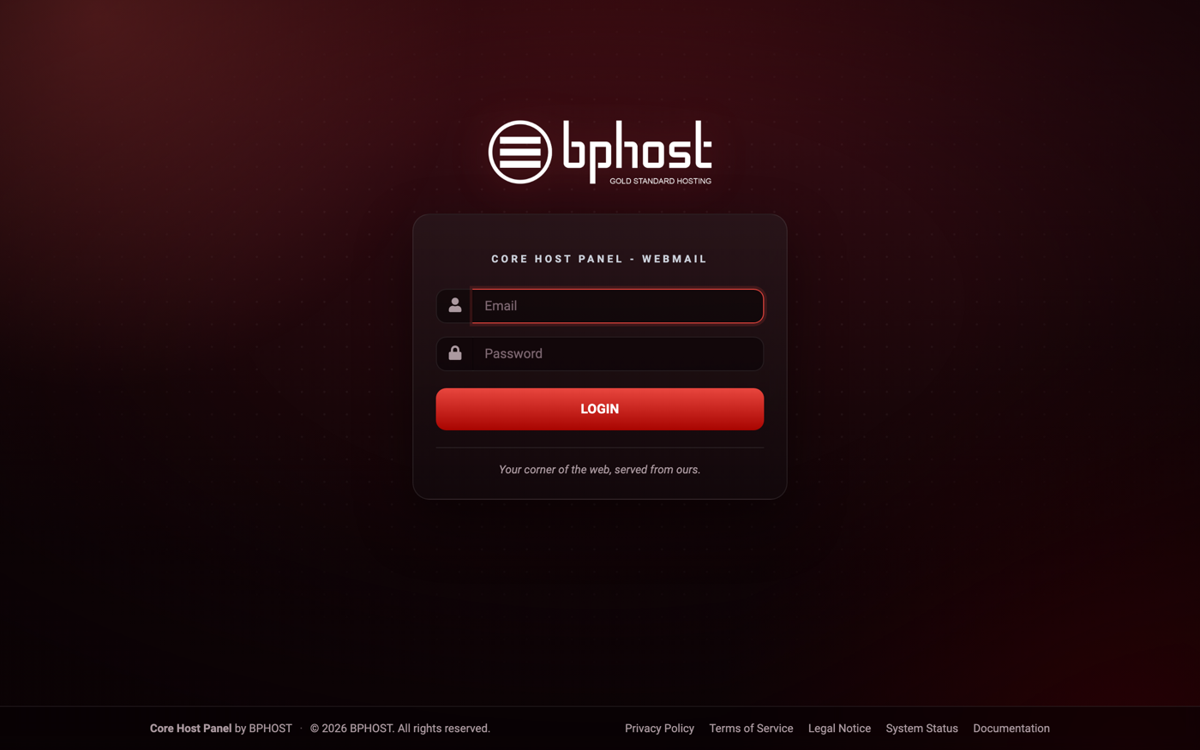
2. Straight to webmail
Go to https://webmail.bphost.biz and sign in with the same email address and email password. Bookmark it on your phone or laptop for quick access. The old yourdomain.co.za/webmail address from cPanel days no longer works.
3. From CHPanel
If you manage the hosting account, sign in at https://chpanel.bphost.biz, open the Email tab, click Email Accounts and then Check Email next to the address. Webmail opens already signed in — no password needed.
Which password?
Your email password is not your client-area password or your CHPanel password — it is the one set when the mailbox was created. Only the hosting account owner can reset it, in CHPanel under Email Accounts by clicking Password next to the address. If you use a mailbox on someone else's account, ask them to reset it for you. Still locked out? Open a support ticket.